
📋 TL;DR
- • Fastest method: Install BlockerPlus — blocks Pornhub + 1M other sites instantly
- • Free method: Change your DNS to a family-safe provider (CleanBrowsing, Cloudflare Families)
- • Manual method: Edit your hosts file or use browser/OS settings
- • Best combo: BlockerPlus + DNS filtering = virtually impossible to bypass
🤔 Why Block Pornhub?
Pornhub is the #1 adult site in the world — and simply "deciding not to visit" doesn't work. You need technical barriers, not willpower.
- •It's the gateway. Block it and you remove the single biggest trigger.
- •Muscle memory. Your fingers type that URL on autopilot — make it return nothing.
- •Kids know it by name. It's the first site children stumble on or hear about at school.
- •It owns dozens of domains. Blocking Pornhub properly also blocks its network of sister sites.
But blocking one URL isn't enough — someone determined will find alternatives. That's why the best approach blocks Pornhub as part of a comprehensive adult content filter.
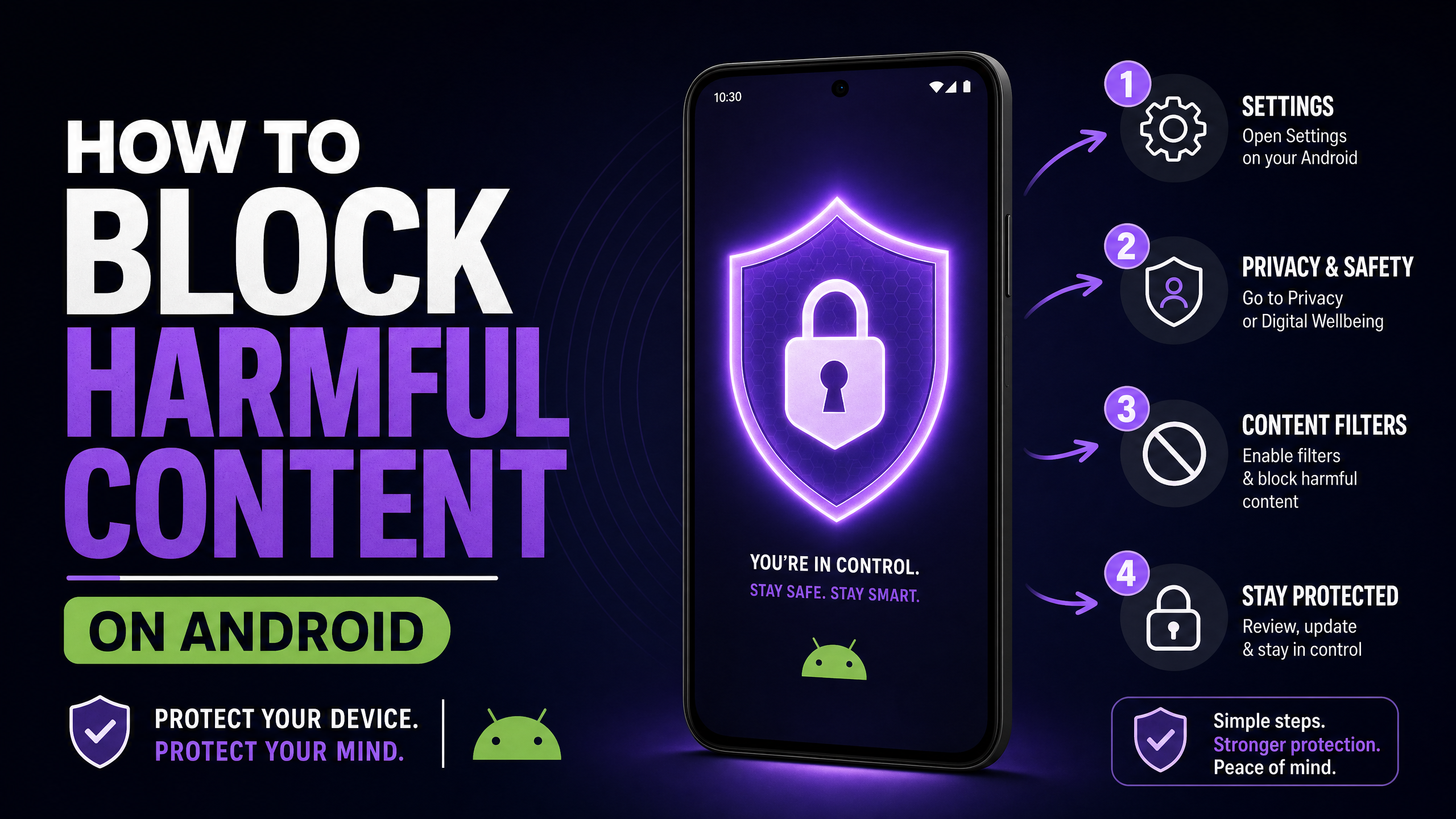
🛡️ Method 1: BlockerPlus (Recommended)
Effectiveness: ★★★★★ — Blocks Pornhub + all adult sites across every app
Difficulty: Easy (2 minutes) | Bypassable? No — uninstall protection prevents removal
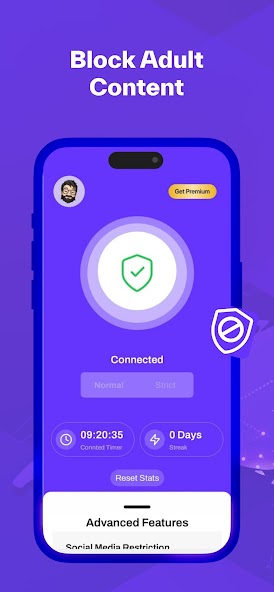
BlockerPlus  doesn't just block Pornhub — it blocks over 1 million adult websites, including mirror domains, sister sites, and VPN workarounds. It filters all traffic at the VPN level.
Setup in 5 steps:
- Download BlockerPlus from Google Play (free)
- Enable Adult Content Blocking
- Turn on Uninstall Protection — prevents removing the app during a weak moment
- Enable Browser Install Blocking — stops installing alternate browsers to bypass
- Set up an Accountability Partner who receives alerts
That's it. Pornhub is now blocked on Chrome, Firefox, Samsung Internet, in-app browsers — everything. Even incognito mode. The same setup covers other tube sites too — see our guide on how to block XVideos.
💡 Pro Tip
BlockerPlus updates its database in real time — new Pornhub mirror sites and proxies are blocked automatically without you lifting a finger.
🌐 Method 2: DNS Filtering
Effectiveness: ★★★☆☆ — Works network-wide but reversible
Difficulty: Easy (5 minutes) | Bypassable? Yes — anyone can change DNS settings back
DNS filtering intercepts domain lookups. When your device asks "where is pornhub.com?", a family-safe DNS server responds with "nowhere."
On Android: Go to Settings → Network & Internet → Private DNS and enter one of these:
- ✓CleanBrowsing:
family-filter-dns.cleanbrowsing.org - ✓Cloudflare Families:
family.cloudflare-dns.com - ✓AdGuard Family:
family.adguard-dns.com
On iPhone: Settings → Wi-Fi → tap (i) → DNS → Manual → add 185.228.168.168
On router (blocks whole network): Log into your router admin panel and replace DNS with CleanBrowsing: 185.228.168.168 / 185.228.169.168
⚠️ The DNS Catch
Anyone can change DNS settings back in 30 seconds. There's no password or lock. Use DNS as a secondary layer alongside BlockerPlus for real protection.
💻 Method 3: Hosts File & Device Settings
Effectiveness: ★★★☆☆ — Works per-device, manual setup
Difficulty: Medium | Bypassable? Yes — by editing the file back or switching browsers
Hosts file (Windows/Mac) — redirects Pornhub to nowhere at the OS level:
- •Windows: Edit
C:WindowsSystem32driversetchostsas admin - •Mac: Run
sudo nano /etc/hostsin Terminal - •Add:
0.0.0.0 pornhub.comand0.0.0.0 www.pornhub.com - •Flush DNS after saving (
ipconfig /flushdnson Windows)
iPhone Screen Time: Settings → Screen Time → Content Restrictions → Web Content → "Limit Adult Websites" + add pornhub.com to "Never Allow".
Browser extensions (BlockSite, Cold Turkey) can block URLs but only work in one browser and are easily removed. Use as an extra layer, never as your only defense.
🏆 The Best Strategy: Layer Everything
🆚 Method Comparison
- BlockerPlusBlocks all sites + apps ✓
- DNS FilteringGood but reversible
- Router DNSWi-Fi only, no mobile data
- Hosts FileOne device, manual updates
- Screen Time (iOS)Apple devices only
- Browser ExtensionsOne browser, easily removed
No single method is perfect. Layered together, they're nearly impossible to bypass on impulse.
🛡️ Recommended Stack
- BlockerPlus on every phone/tablet — VPN-level filtering + uninstall protection + accountability
- Router DNS set to CleanBrowsing Family — covers all Wi-Fi devices
- Hosts file on computers — local backup block on laptops/desktops
- Screen Time on iOS devices — Apple-native content restrictions
Each layer compensates for another's weaknesses. Together, they hold up even when your willpower doesn't.
🛡️ Start with BlockerPlus — It Takes 60 Seconds
Block Pornhub, block all adult content, and get an accountability partner. Free on Google Play.
Download BlockerPlus Free →📚 Related Articles
- How to Block Porn on Android: Complete Guide
- How to Block Adult Websites on Chrome Android: 5 Methods
- My Husband Is Addicted to Porn: What to Do
- How to Stop Watching Porn: A Complete Guide
- Best Porn Blockers for Android 2026
Preetam Rangadal
Founder, BlockerPlus · Digital Wellness Expert
Preetam is the founder of BlockerPlus, used by 200,000+ people worldwide to overcome porn addiction. With a background in mobile development and a passion for digital wellness, he builds tools that help people take back control of their lives. Learn more →
Disclaimer: This content is for informational purposes only and does not constitute medical or psychological advice. If you're struggling with addiction, please consult a licensed healthcare professional. BlockerPlus is a digital tool, not a substitute for professional treatment.
Related Articles
BlockerPlus blocks content, tracks your streak, and keeps you accountable — free on Android.
Download Free on Android