
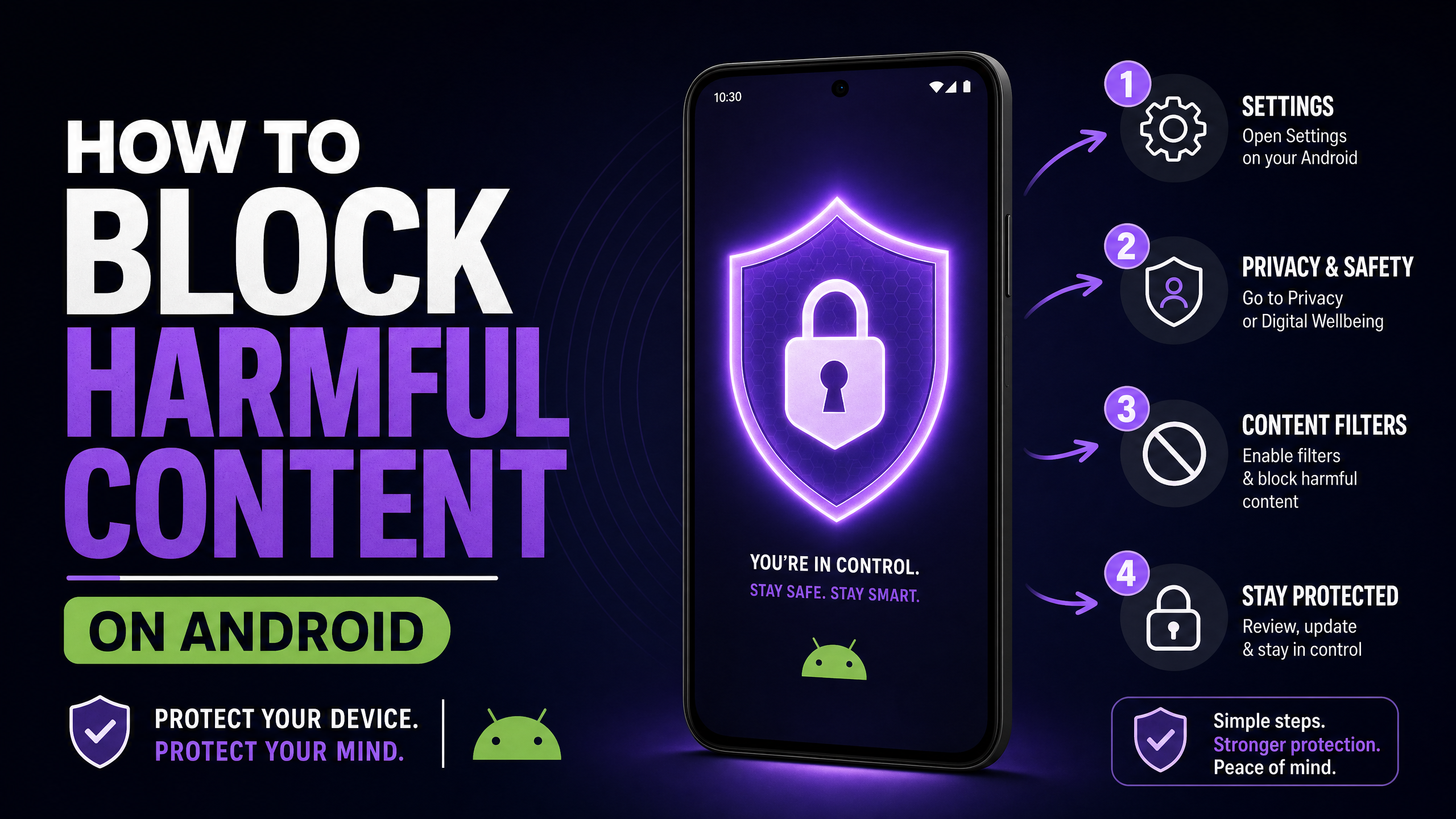
📋 TL;DR — The 4-Layer Strategy
- 1.Safe DNS — Network-level blocking (30 seconds)
- 2.Google SafeSearch — Search filtering (2 minutes)
- 3.BlockerPlus — App + browser blocking (5 minutes)
- 4.App install control — Prevent bypass browsers
Total setup time: ~15 minutes. Cost: $0.
⚠️ The Reality Check
The average age of first exposure to pornography is 12 years old. Many children encounter it as young as 8. Built-in phone settings alone are not enough.
You gave your child an Android phone. That was the right call — they need it for school, for friends, for life.
But now you need to make it safe. The good news? It's easier than you think, and the best solutions are free.
Here's what most parents don't realize: no single method works on its own. Kids are resourceful. They share bypass tricks on TikTok and YouTube.
The trick? Layer multiple protections. Each layer covers the others' weaknesses.
Layer 1: Set Up Safe DNS (30 Seconds)
Here's the thing: this is the easiest win. It blocks adult sites at the network level — before they even load.
- Open Settings → Network & Internet → Private DNS
- Select "Private DNS provider hostname"
- Enter:
family.cloudflare-dns.com - Tap Save. Done.
Alternative: dns.cleanbrowsing.org
You can also apply this filtering at the router level so every device at home is covered — see our guide on how to set parental controls on WiFi.
⚠️ Limitation
Kids can change this setting back. That's why you need more layers.
Layer 2: Enable Google SafeSearch (2 Minutes)
- Open Google app → Settings → SafeSearch
- Select "Filter"
- If your child has a Google account, lock it via Family Link
⚠️ Limitation
Only works in Google Search. Doesn't block direct URLs or other search engines.
Layer 3: Install BlockerPlus (The Most Important Step)
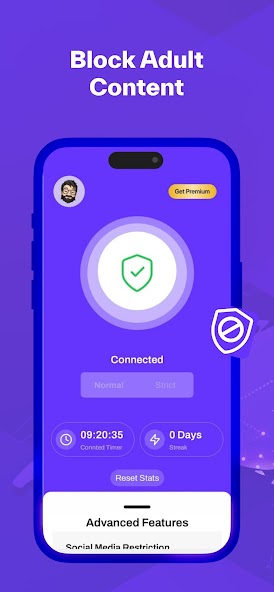
This is where real protection happens. BlockerPlus blocks adult content across ALL browsers and apps — not just Google Search.
Why BlockerPlus is ideal for parents:
- ✓Uninstall protection — Your child can't delete the app. You approve changes as the accountability partner.
- ✓New browser blocking — Prevents downloading Chrome alternatives to bypass filtering.
- ✓Social media limits — Set daily time caps for Instagram, TikTok, YouTube.
- ✓Custom blocklist — Block specific websites, keywords, or apps.
- ✓100% free — Core protection features cost nothing.
Setup Steps (5 minutes):
- Download BlockerPlus from Google Play on your child's phone
- Open the app → Grant Accessibility Service permission
- Enable Device Administrator (for uninstall protection)
- Turn on Adult Content Blocking
- Enable Block New Browser Installs
- Set yourself as the Accountability Partner
- (Optional) Set Social Media Time Limits
- (Optional) Enable VPN Blocking for deeper filtering
🛡️ Protect your child's phone today
Free. Uninstall-proof. Can't bypass by installing new browsers.
Download BlockerPlus Free →Layer 4: Control App Installations
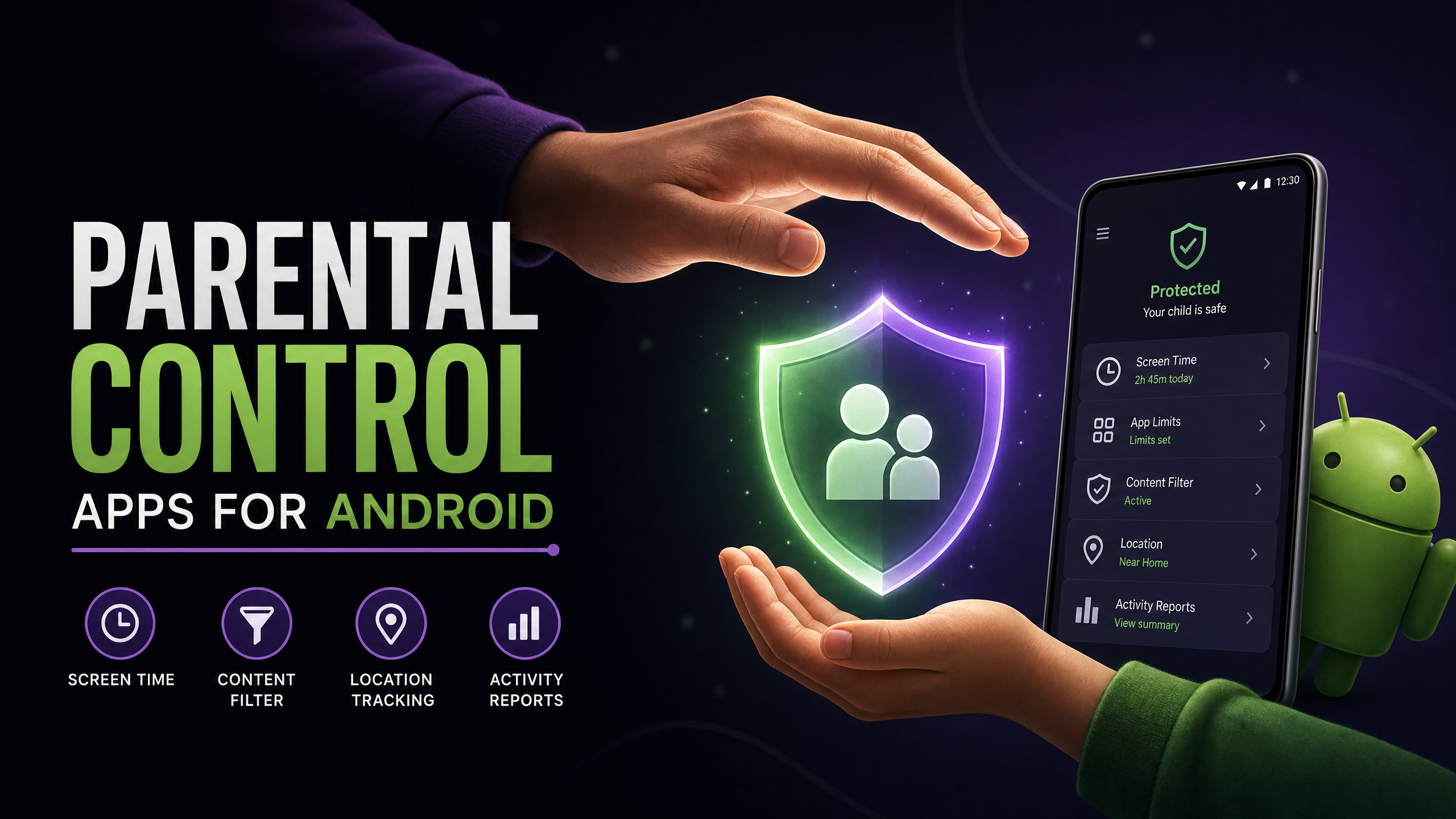
But it gets worse: even with BlockerPlus installed, tech-savvy kids might try to find workarounds. Here's how to close every gap:
- ✓BlockerPlus blocks new browser installs automatically
- ✓Use Google Family Link to require your approval for all app installs
- ✓Review installed apps periodically
What Age Should You Start?
| Age | Approach | Tools |
|---|---|---|
| Under 8 | No unsupervised access | Google Family Link |
| 8–12 | Supervised + all 4 layers | Family Link + BlockerPlus + DNS |
| 13–15 | BlockerPlus with you as partner | BlockerPlus + DNS + open conversation |
| 16+ | Accountability-focused | BlockerPlus + ongoing dialogue |
💡 Pro Tip: Have the Conversation
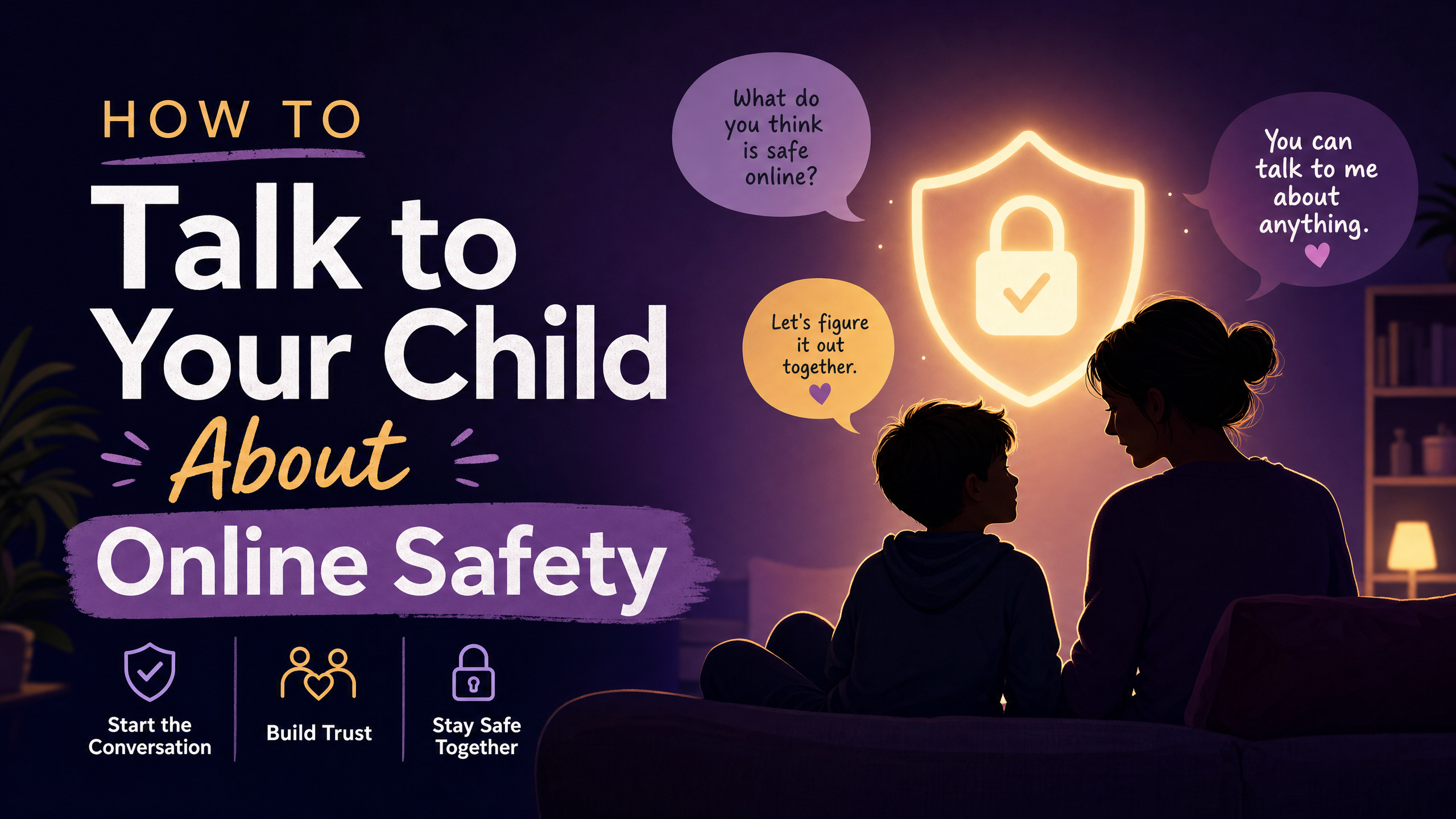
Technology alone isn't enough. Your child needs to understand why you're blocking content. Frame it as protection, not punishment. Make it clear they can come to you if they see something disturbing.
🛡️ Start with Layer 3 — It's the Most Important
BlockerPlus: free, uninstall-proof, blocks new browsers. 5-minute setup.
Download BlockerPlus Free →Related Articles
- Best Free Parental Control Apps for Android 2026
- How to Block Adult Websites on Chrome Android
- How to Block Porn on Android: Complete Guide
- Best Porn Blockers for Android 2026

Preetam Rangadal
Founder, BlockerPlus · Digital Wellness Expert
Preetam is the founder of BlockerPlus, used by 200,000+ people worldwide to overcome porn addiction. With a background in mobile development and a passion for digital wellness, he builds tools that help people take back control of their lives. Learn more →
Disclaimer: This content is for informational purposes only and does not constitute medical or psychological advice. If you're struggling with addiction, please consult a licensed healthcare professional. BlockerPlus is a digital tool, not a substitute for professional treatment.
Related Articles
BlockerPlus blocks content, tracks your streak, and keeps you accountable — free on Android.
Download Free on Android